Add Product Sets
EXPERIENCE MANAGEMENT > CONTENT
To use the Product Sets you have created in the Merchandising module, you must add them as a component to a content page.
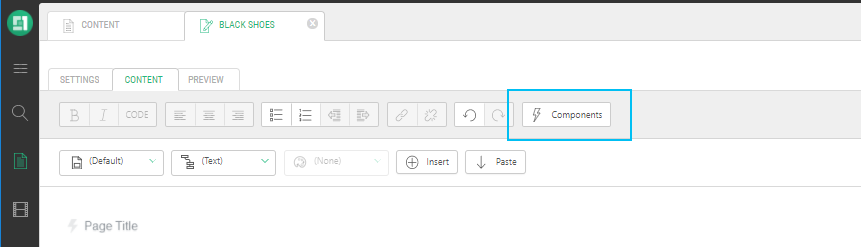
Product Sets can be added as:
|
•
|
Full Query Result Page: The page displays products with the same look and feel as a category landing page. |
|
•
|
Dynamic Product Highlight: Displays a snippet of product with a Read More link. The Dynamic Product Highlight component can be used as a “You may also like” section. |
|
4.
|
Under Product Sets, select Full Query Result page or Dynamic Product Highlight. |

The OK button is dimmed until a selection is made.
|
6.
|
The Function Properties pop-up appears. |

|
7.
|
Use the drop-down menu to select the Product Set. |
|
8.
|
If you selected Dynamic Product Highlight. enter a number. This number indicates how many products to display. |
|
9.
|
Click Save and Publish. |
|
10.
|
Complete the publication workflow of the page. |
REFERENCES